
Task Management App Redesign
Streamline your workflow and boost productivity with our intuitive task management app.
UI/UX PROJECTSWEB
6/19/20242 min read
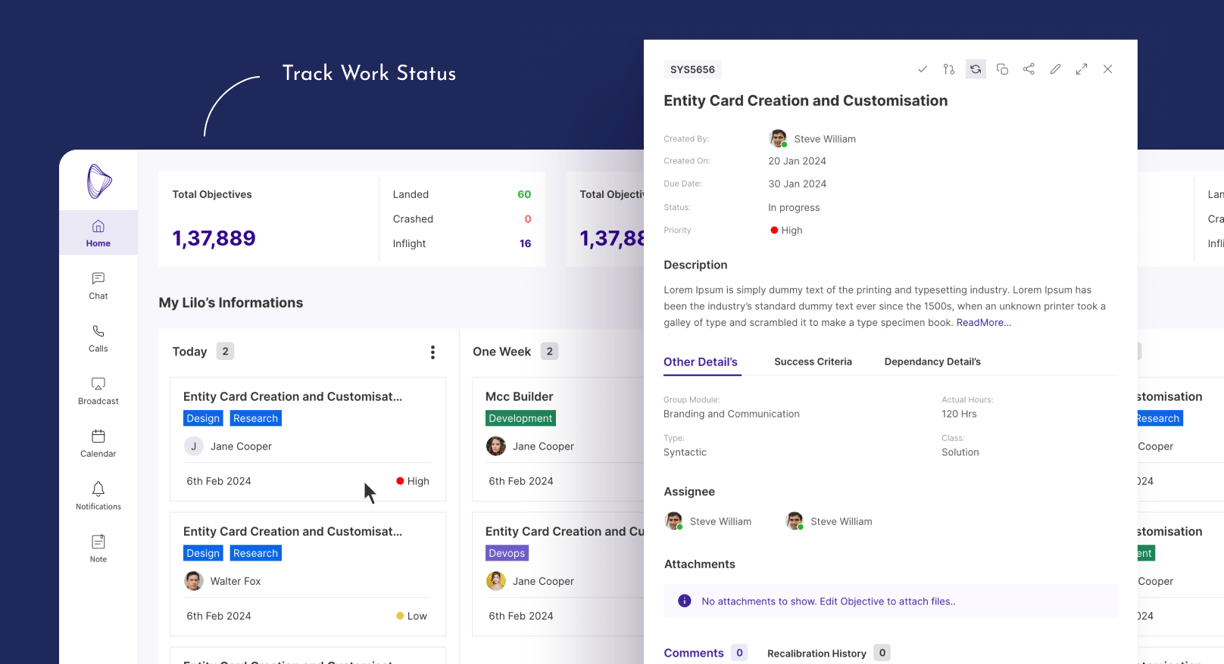
Creating a comprehensive task management app with chat, calling, and video calling functionalities, along with work status and hours tracking for both individual users and employees, requires integrating several key features. Here’s a breakdown of the essential functionalities and content .
Overview
Home Screen
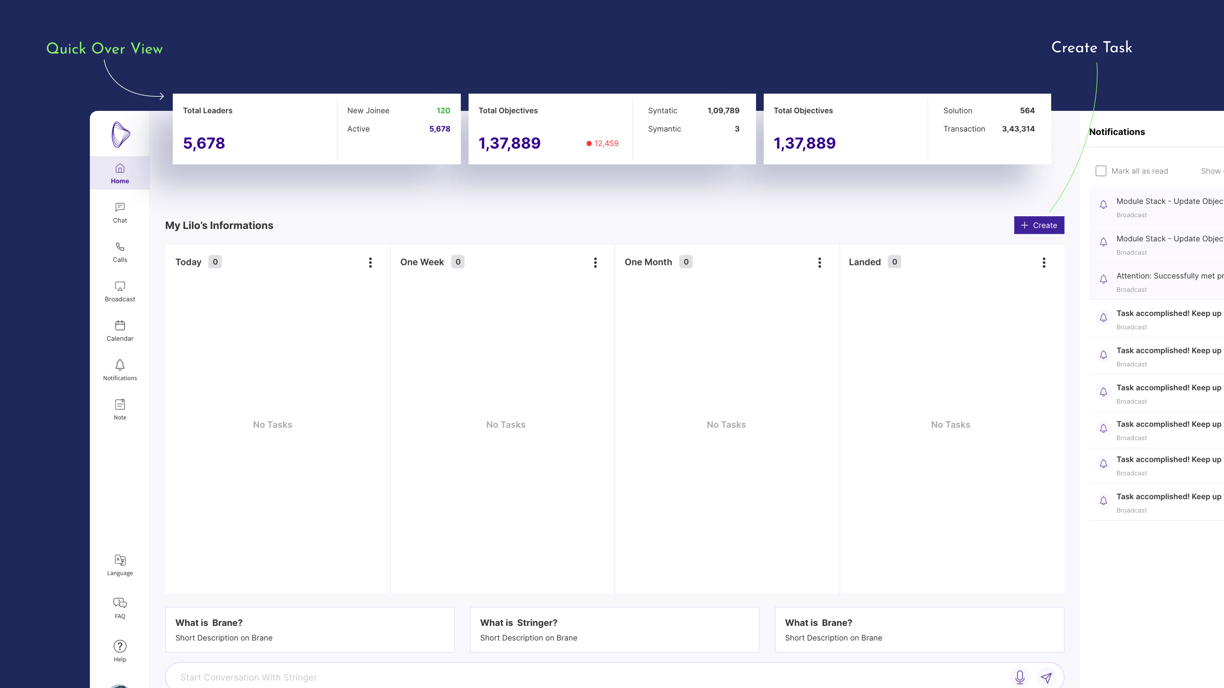
Summary Cards:
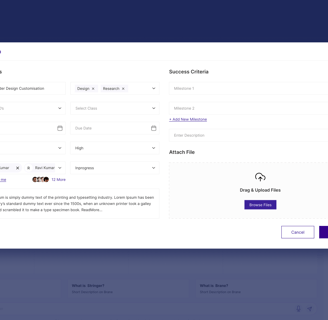
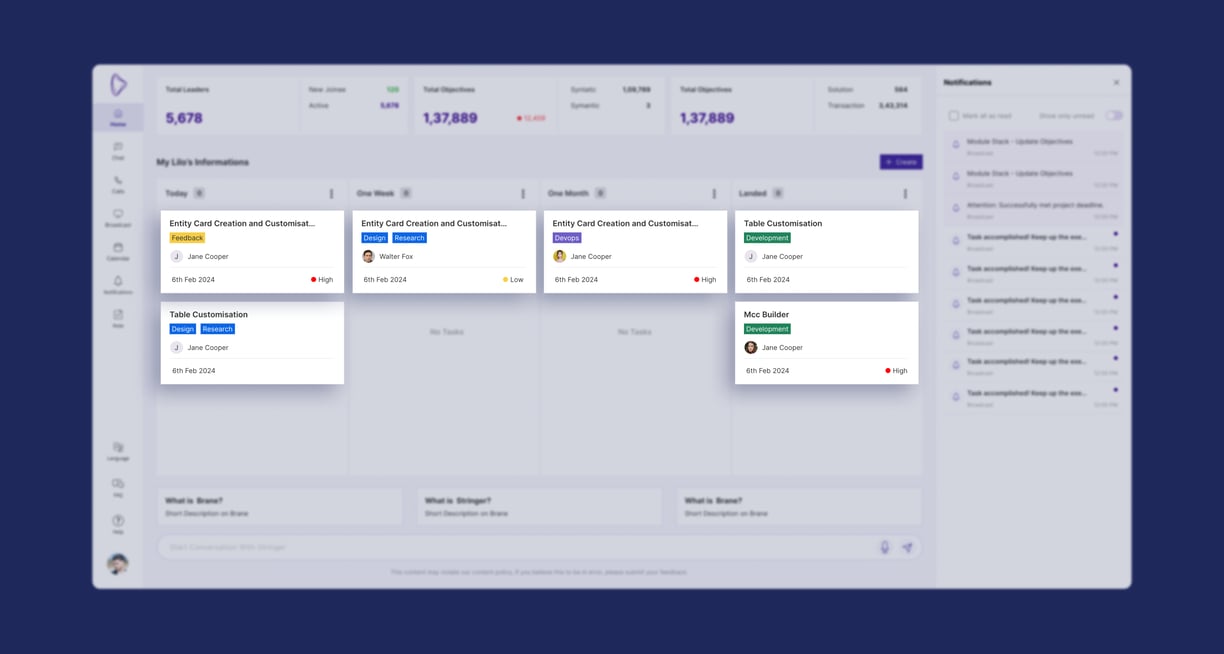
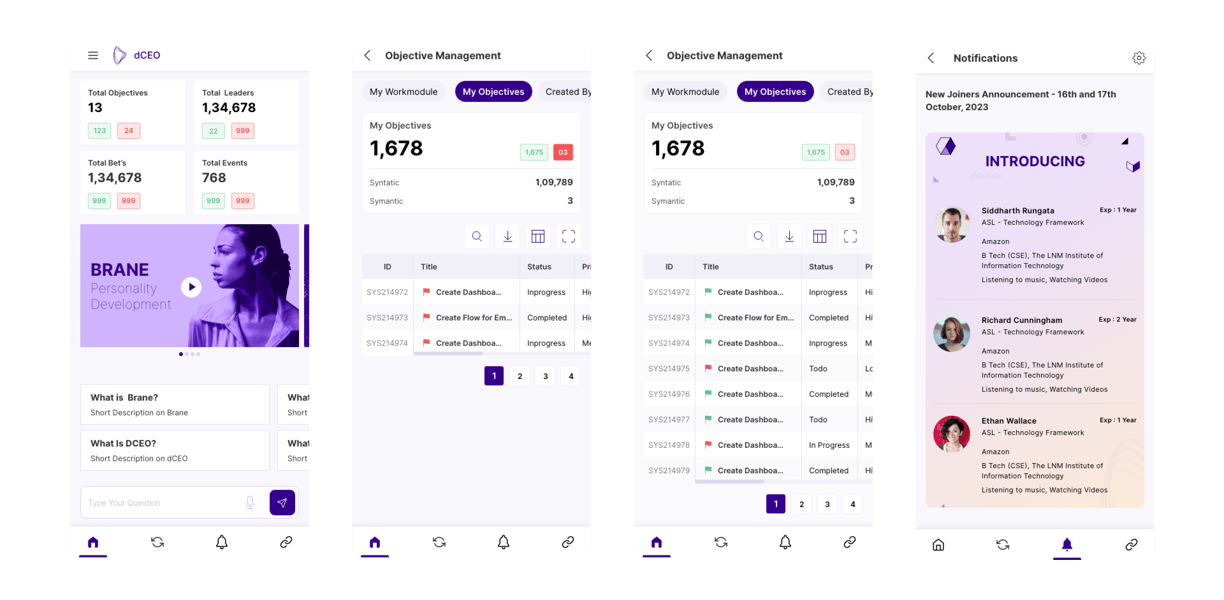
Provide at-a-glance metrics such as total tasks, pending tasks, completed tasks, and upcoming deadlines to give users a quick overview of their workload, Total Employees, Total Objectives and notifications . you can Create new tasks By clcick on Create Button.

Task Management
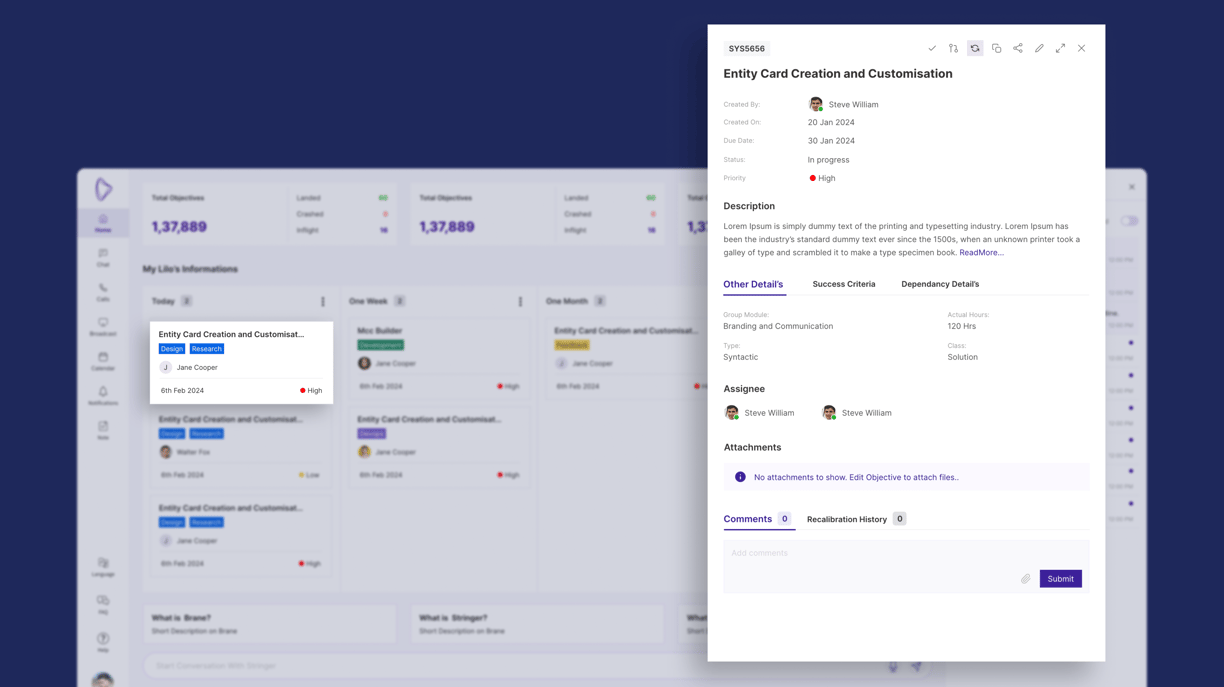
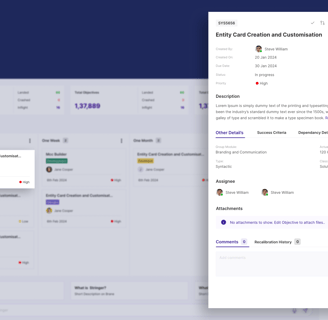
Here User can Organize tasks by project, priority, or due date, allowing users to easily manage and prioritize their workload. Each task includes fields for essential information such as task name, description, deadline, assigned team members, and attachments, ensuring clarity and accountability.Enable team members to discuss tasks directly within the task interface, fostering collaboration and reducing the need for external communication channels. User can see The Detail's Of their assigned Task By simply Click On It.
Task Detail's
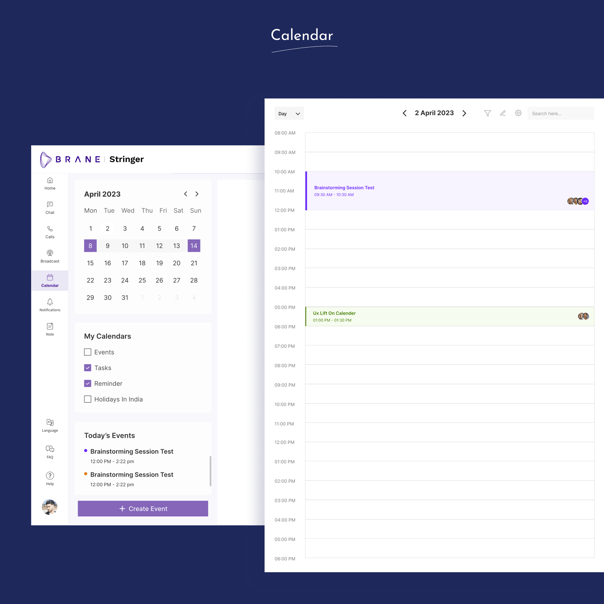
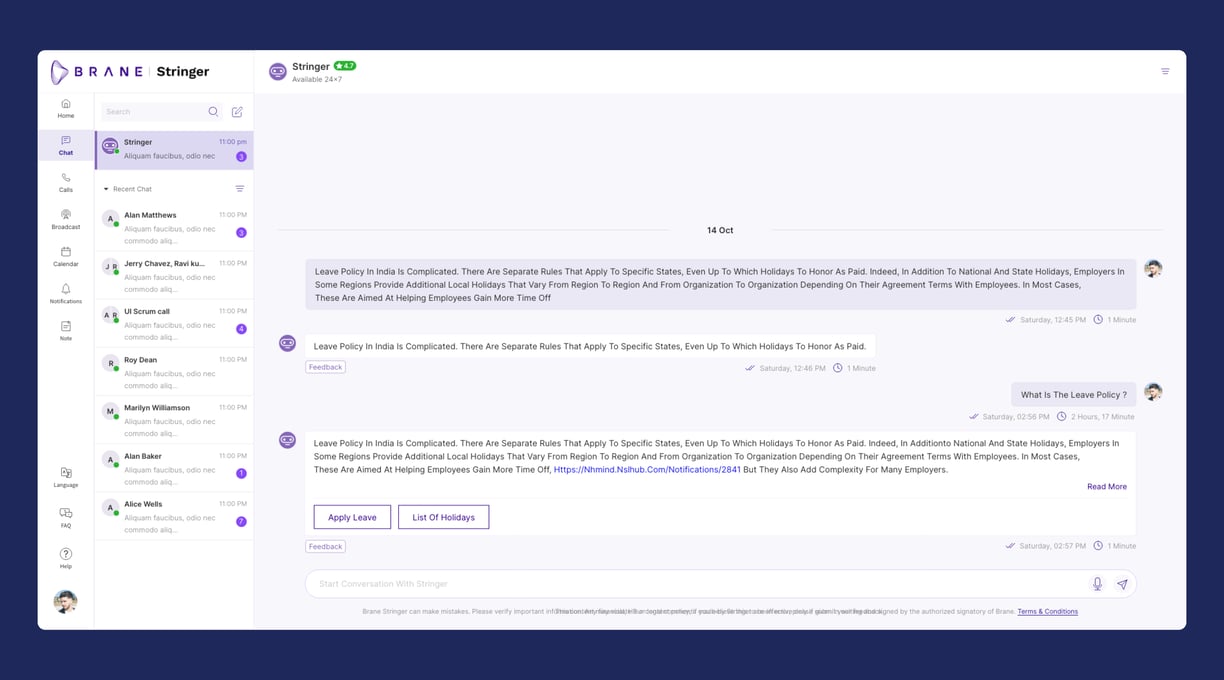
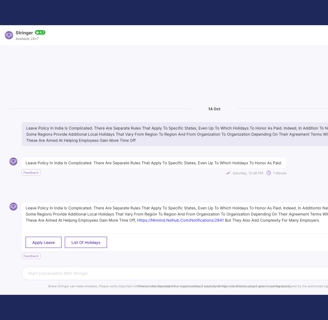
Let's See Chat Section (Stringer)
Other Screens
Communication Features
Stringer will help you perform your task and official updates.
Real-time messaging functionality for individual and group conversations, facilitating quick updates and discussions without the need for email or external messaging apps.
Voice call feature for immediate communication needs, ensuring clarity and reducing misunderstandings.
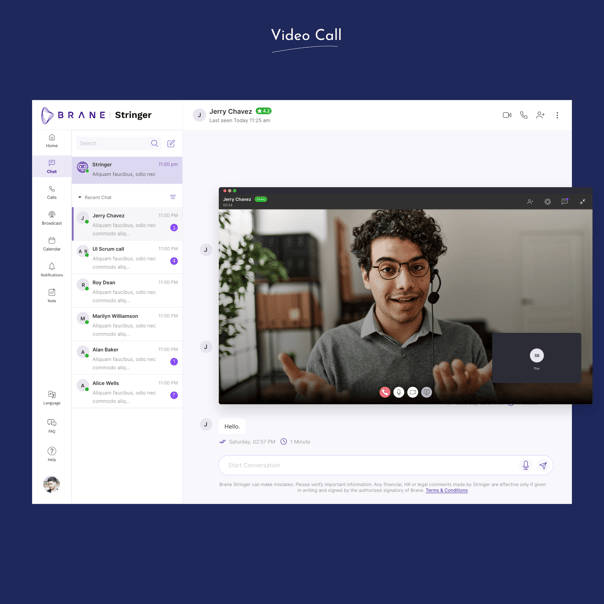
Integrated video calls for face-to-face meetings or detailed discussions, enhancing team collaboration and fostering a more personal connection.
Generate reports that summarize hours worked per task, project, or team member, providing insights into productivity and resource allocation.
Employee Management
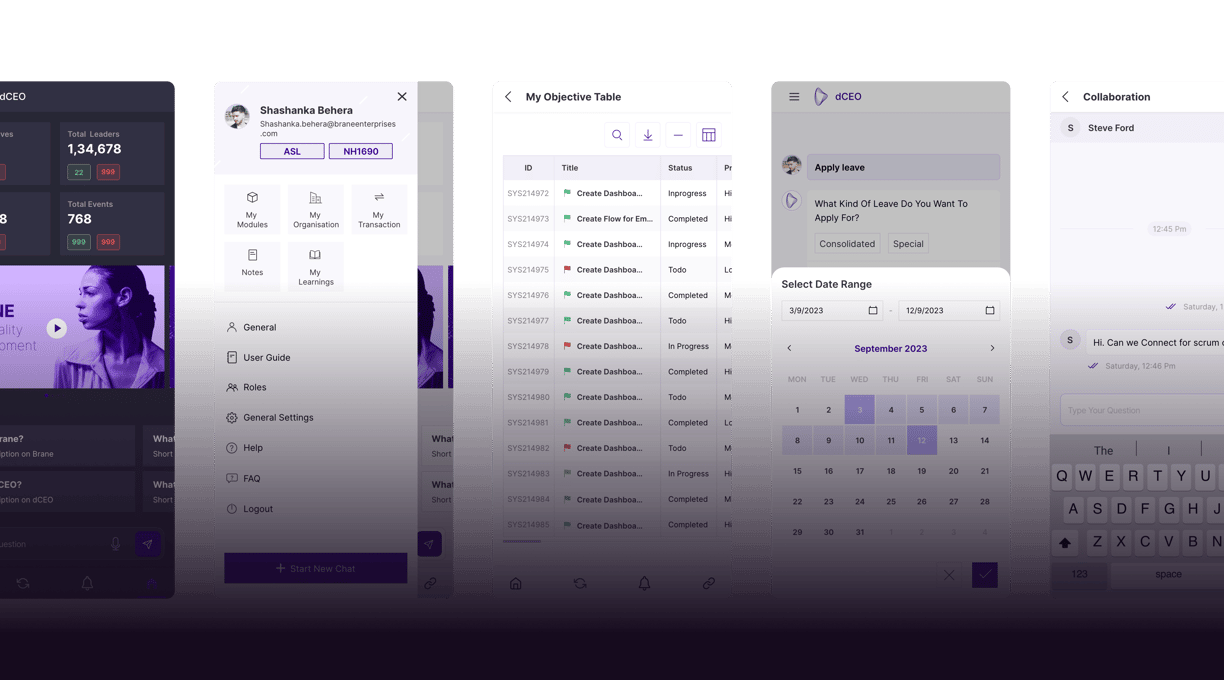
Detailed profiles for each team member, including contact information, role within the organization, and skills/expertise, facilitating effective team management and task assignment.
Track employee availability, including scheduled time off or remote work arrangements, for effective workforce planning and management.
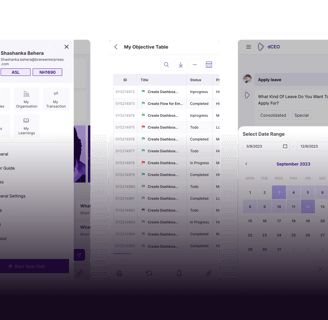
Mobile Screens
Explore our latest UI UX design projects here.
Contact Details
shashankabehera43@gmail.com
8280050272
© 2024. All rights reserved.